Find your angle.
Orbit, pan, and zoom to frame the scene. Get close to the glowing disk or pull back and take it all in.
A black hole. All your screens.
A cinematic black hole viewer.
Orbit the darkness. Follow the light.
Explore a black hole from your own point of view.

Available on Mac, iPhone, and iPad
One purchase for your Mac, iPhone, and iPad.
Available now
Explore these black holes and neutron stars now in Gargantua. Included with your purchase at no extra cost.
Coming soon — free update
Your own perspective
Glowing gas. Light bent by gravity. Move around the scene and watch a familiar silhouette become something new.
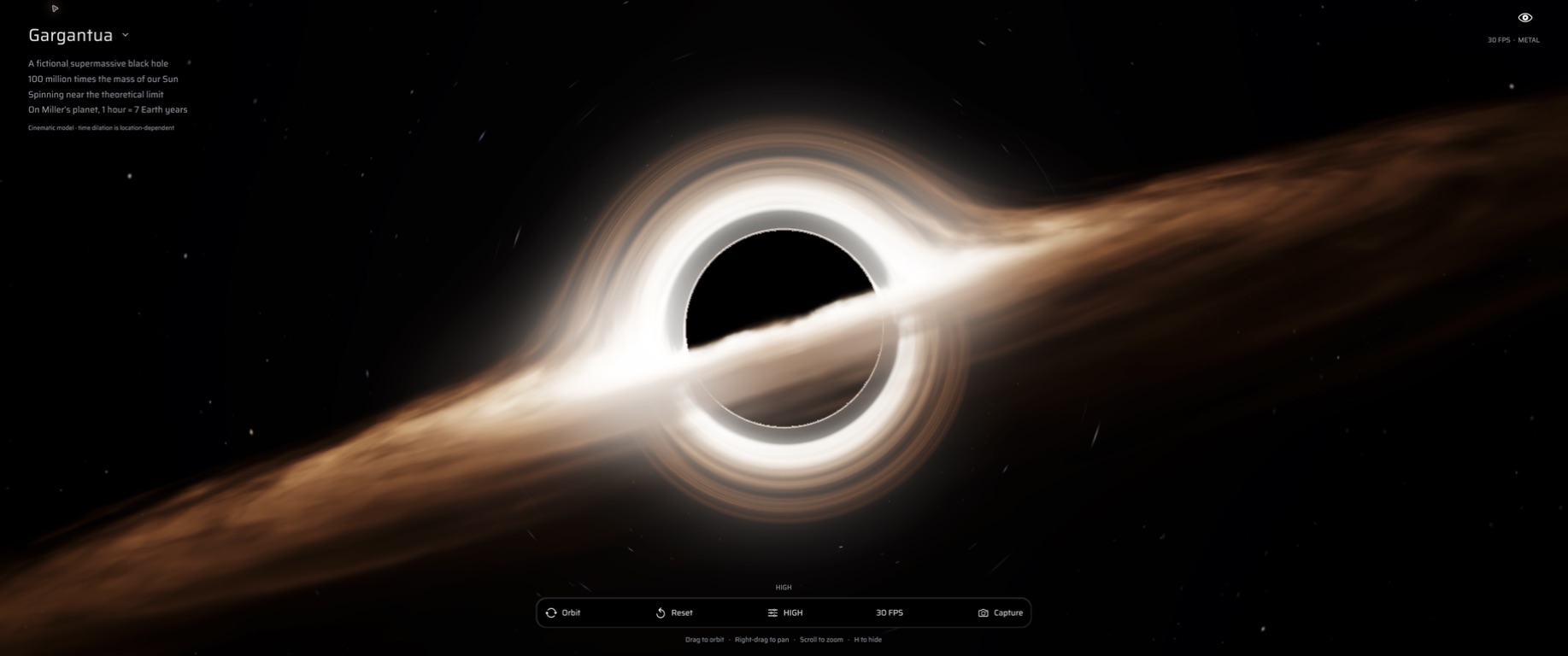
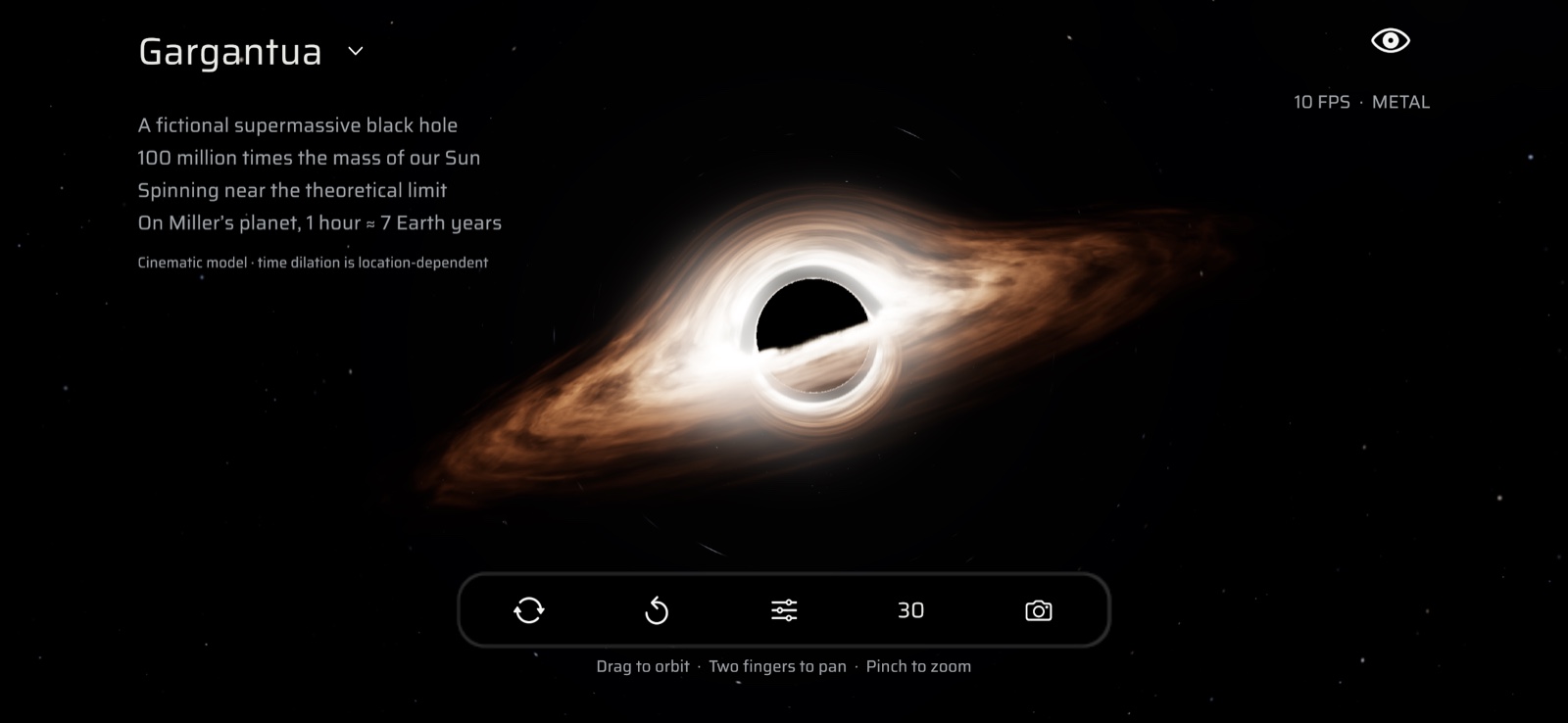
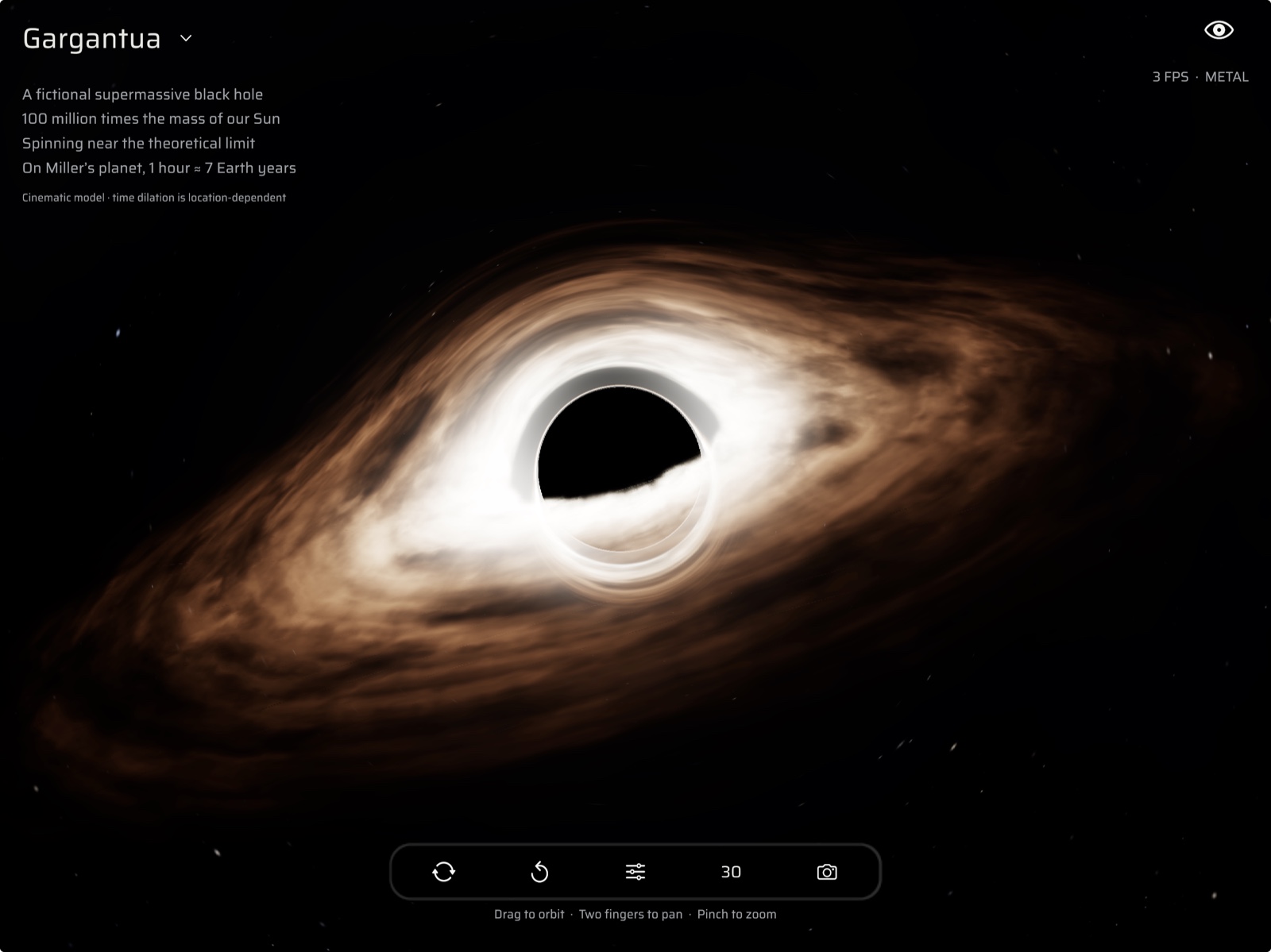
Orbit, pan, and zoom to frame the scene. Get close to the glowing disk or pull back and take it all in.
Capture a clean image without the controls. Turn a moment of exploration into your next wallpaper.
Adjust visual quality and frame rate to suit your device. Hide the interface and let the scene fill your screen.
Mission support
Need a hand? Use the contact details in our App Store listing. Include your device model, operating system version, and a short description of what happened.
Support via the App StoreDrag with one finger to orbit, use two fingers to pan, and pinch to zoom. Tap Reset View to recenter the camera. The on-screen toolbar also lets you change quality, frame rate, and hide the interface.
Choose Screenshot to capture a clean image without the interface.
On Mac, Gargantua saves a PNG and reveals it in Finder. Copy it wherever you like or select it in macOS Wallpaper settings.
Gargantua is built for Mac, iPhone, and iPad. The Mac version requires Apple silicon and macOS 13 or later. Check the App Store listing for compatibility with your iPhone or iPad.
Rendering a black hole uses your device’s GPU. Choose 30 FPS and Performance quality for a lighter experience. On Mac, rendering pauses when the app is in the background.
Gargantua is an artistic visualization inspired by black hole physics, including gravitational lensing and the glow of an accretion disk.